Internet Computer wallet
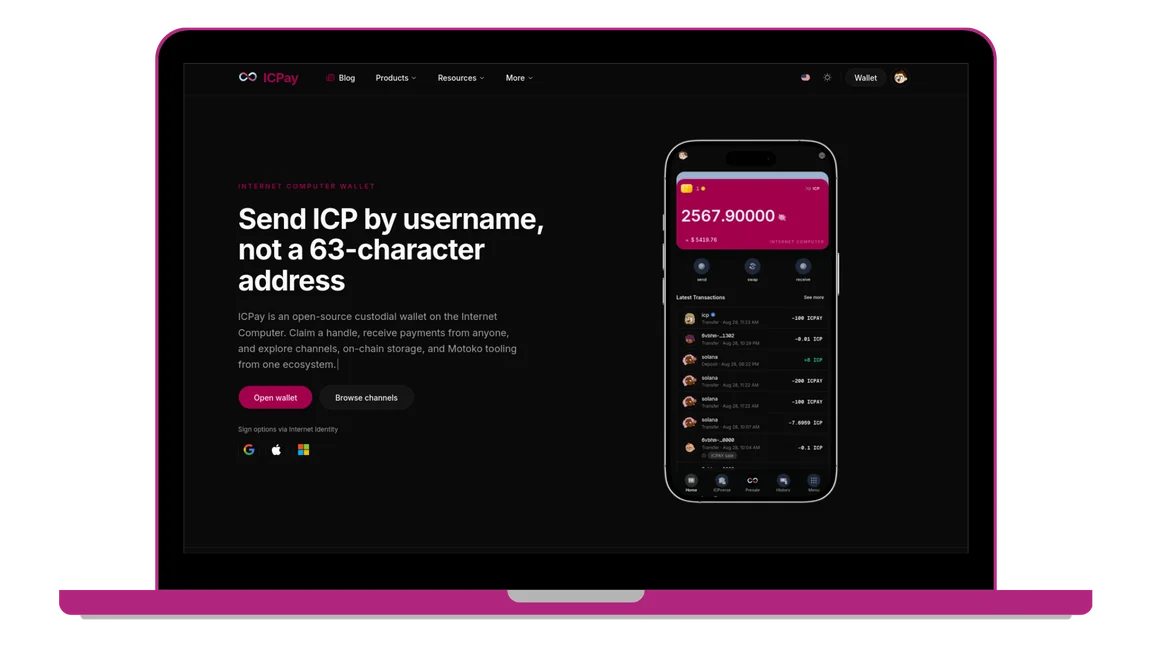
Send ICP by username, not a 63-character address
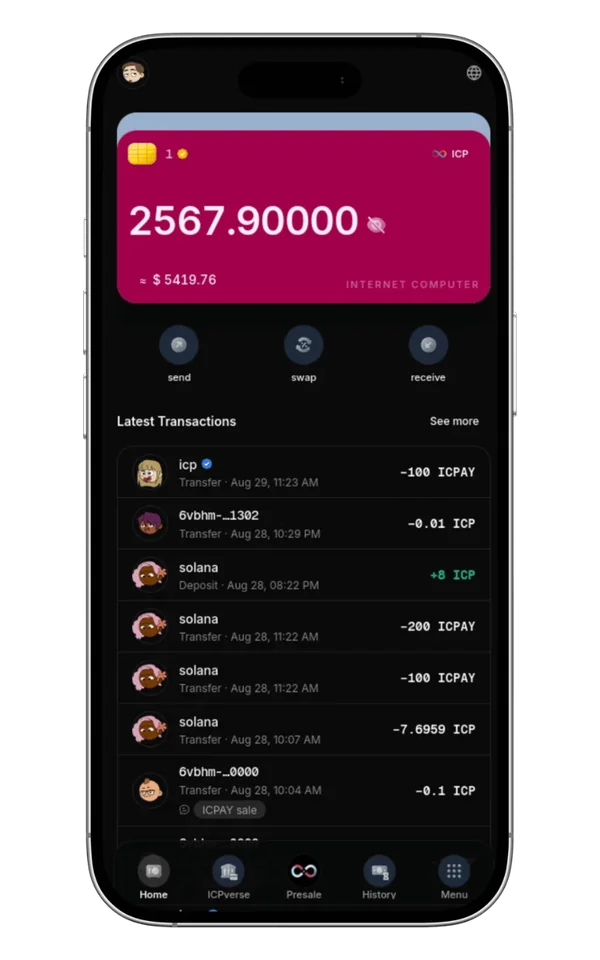
ICPay is an open-source custodial wallet on the Internet Computer. Claim a handle, receive payments from anyone, and explore channels, on-chain storage, and Motoko tooling from one ecosystem.
Sign options via Internet Identity


Platform
Built for everyday users and ICP developers
ICPay is more than a wallet. It is the entry point to payments, community, storage, and canister development on the Internet Computer.
Claim a handle and share icpay.app/yourname. Senders do not need an account or a 63-character principal.
Sign in with a passkey or linked account. No seed phrase to write down and no browser extension required.
Telegram-style broadcast communities with public discovery, private invites, and markdown posts.
On-chain file storage with API keys and SDKs. Pay in ICP with simple 30-day plans instead of a card bill.
Production Motoko scaffolding with enforced layering, tests, and a global CLI for Internet Computer apps.
Funds sit in per-user subaccounts on the official ICP ledger. The backend is open source and upgrade-only on mainnet.
Ecosystem
Everything built on ICPay
Wallet, storage, and canister tooling in one stack — designed for builders and everyday users on the Internet Computer.
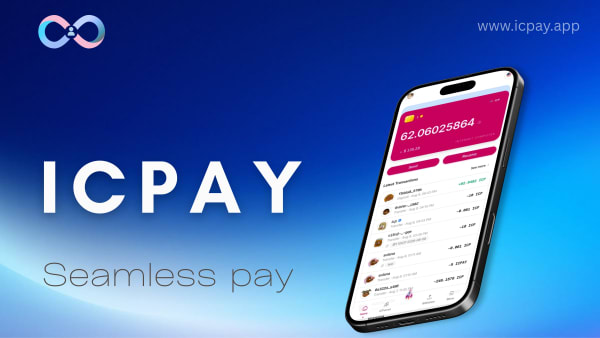
ICPay Wallet
Send, receive, and hold ICP with a username handle and Internet Identity.

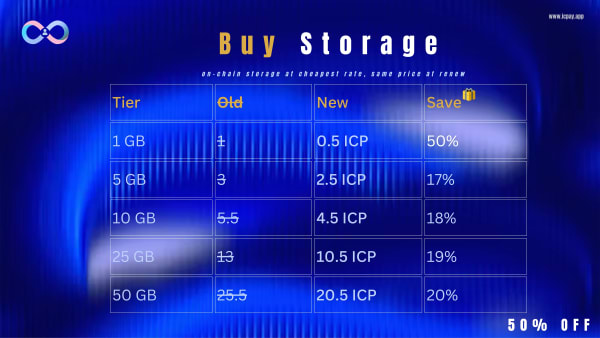
ICBucket
On-chain cloud storage with API keys, SDKs, and 30-day ICP plans.

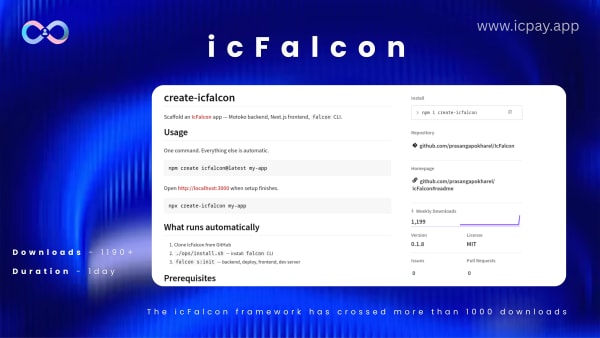
ICFalcon
Production Motoko framework with layered architecture and a global CLI.

How it works
How difficult is it to use?
Not very. Six steps from Internet Identity sign-in to sending ICP by username — no browser extension and no mnemonic to write down.
Use a passkey or linked account. No password notebook and no seed phrase to lose.
Pick a handle once. People pay you at icpay.app/yourname instead of a 63-character principal.
Send your username page or deposit address to anyone who needs to pay you in ICP.
Transfer ICP in seconds. Type a handle, confirm the amount, and the ledger records it on-chain.
Balances and history tie to the official ICP ledger. Open any transaction on the block explorer.
Channels for community, ICBucket for on-chain files, and ICFalcon for Motoko development — same ecosystem.
Social proof
Can I trust it?
ICPay is custodial and has not been audited — we say that plainly. What you can verify today is the open-source code, the mainnet canister, and the published transparency policy.
Backend Motoko and the Next.js frontend are public. Inspect fund movement, auth, and upgrade paths yourself.
Wallet logic runs at 6vbhm-nqaaa-aaaan-q6muq-cai on Internet Computer mainnet.
Published custody model, fees, and what the operator can and cannot do — with on-chain addresses to verify.
Product updates, launches, and Internet Computer ecosystem news from @IcpayOfficial.
Company updates and team posts from the official ICPay LinkedIn page.
Static assets and II derivation origin served from 63dke-waaaa-aaaan-q6mvq-cai.
All in progress
Canisters
Every transaction, user balance, and decentralized service runs on verifiable Internet Computer canisters under global consensus.
Canister Security Architecture
Consensus
Subnet Replicated
Threshold ECDSA and Byzantine fault tolerant consensus across decentralized nodes.
Custody
Isolated Subaccounts
Each user funds are locked in personal subaccounts; never commingled in pooled hot wallets.
Bytecode
Verifiable WASM
Canister builds produce provable bytecode hashes matching the open-source repository.
Identity
Internet Identity
Hardware-backed passkeys via WebAuthn. No seed phrases to leak or lose.
Core Motoko canister managing deterministic user subaccounts, registry, and official ICP ledger transfers.
Asset canister hosting the application bundle and serving the official Internet Identity derivation origin.
On-chain trade execution, swap routing, and decentralized market preflight validation.
Decentralized on-chain storage canister powering S3-compatible file storage and blob verification.
Download
Pay on the go. Anywhere, anytime.
Install the ICPay desktop app and open your wallet in one click. Sign in with Internet Identity — no browser extension required.


FAQ
Common questions
Quick answers about the wallet, custody model, and the rest of the ICPay stack.
